|
Sensu : Install
2017/10/23 |
|
Install Sensu that is the monitoring platform.
|
|
| [1] | Install Redis first because Sensu uses it for data store. |
|
# install from EPEL
[root@dlp ~]#
yum --enablerepo=epel -y install redis
[root@dlp ~]#
vi /etc/redis.conf # line 61: change (allow connections from other hosts) bind 0.0.0.0
# line 80: change protected-mode no
# line 481: add (connection password) requirepass password
systemctl start redis [root@dlp ~]# systemctl enable redis
|
| [2] | Add Sensu repository and Install Sensu and also Uchiwa that is the web dashboard tool. |
|
[root@dlp ~]#
[root@dlp ~]# cat > /etc/yum.repos.d/sensu.repo <<'EOF'
[sensu] name=sensu baseurl=https://sensu.global.ssl.fastly.net/yum/$releasever/$basearch/ enabled=0 gpgcheck=0 EOF yum --enablerepo=sensu -y install sensu uchiwa
|
| [3] | |
| [4] | Configure Sensu and Uchiwa. |
|
[root@dlp ~]#
cp -p /etc/pki/tls/certs/server.key /etc/sensu/uchiwa.key [root@dlp ~]# cp -p /etc/pki/tls/certs/server.crt /etc/sensu/uchiwa.crt [root@dlp ~]# chown uchiwa. /etc/sensu/uchiwa.*
[root@dlp ~]#
vi /etc/sensu/config.json # create new
{
  "transport": {
    "name": "redis"
  },
  "api": {
    "host": "127.0.0.1",
    "port": 4567
  }
}
[root@dlp ~]#
vi /etc/sensu/conf.d/redis.json # create new # for [password], specify the one set on [1] section
{
  "redis": {
    "host": "127.0.0.1",
    "port": 6379,
    "password": "password"
  }
}
[root@dlp ~]#
vi /etc/sensu/conf.d/client.json # create new # for [subscriptions], set any words you like (define role)
{
  "client": {
    "environment": "development",
    "name": "dlp",
    "address": "127.0.0.1",
    "subscriptions": [
      "development",
      "sensu-server"
    ]
  }
}
[root@dlp ~]#
vi /etc/sensu/uchiwa.json # change like follows # for [adminpassword], set any password you like
{
  "sensu": [
    {
      "name": "dlp.srv.world",
      "host": "127.0.0.1",
      "port": 4567,
      "timeout": 10
    }
  ],
  "uchiwa": {
    "host": "0.0.0.0",
    "port": 3000,
    "refresh": 10,
    "user": "admin",
    "pass": "adminpassword",
    "ssl": {
      "certfile": "/etc/sensu/uchiwa.crt",
      "keyfile": "/etc/sensu/uchiwa.key"
    }
  }
}
chown sensu. /etc/sensu/config.json /etc/sensu/conf.d/* [root@dlp ~]# systemctl start sensu-server sensu-api sensu-client uchiwa [root@dlp ~]# systemctl enable sensu-server sensu-api sensu-client uchiwa
|
| [5] | If Firewalld is running, allow Redis, Sensu, Uchiwa service ports. |
|
[root@dlp ~]# firewall-cmd --add-port={6379/tcp,4567/tcp,3000/tcp} --permanent success [root@dlp ~]# firewall-cmd --reload success |
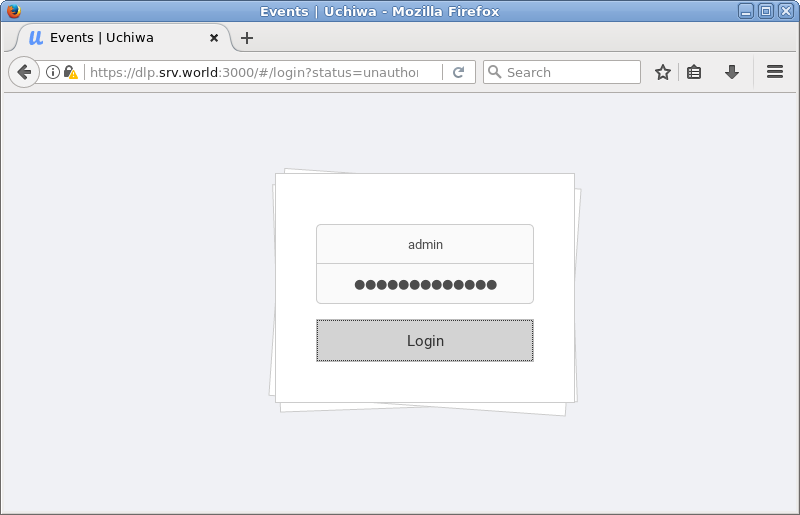
| [6] | Access to [https://(Uchiwa server's hostname or Ip address):3000/] from Client Computer, then authentication is required like follows, input username and password you set on Uchiwa Config. |
|
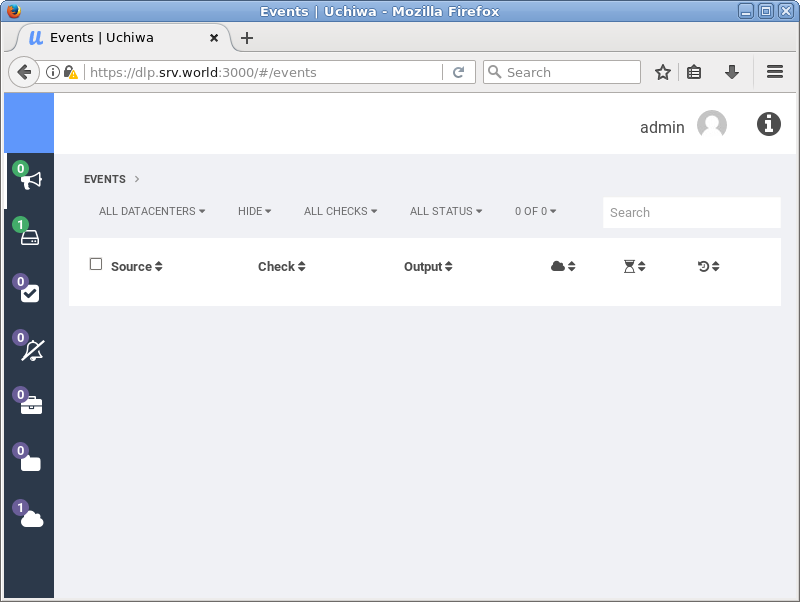
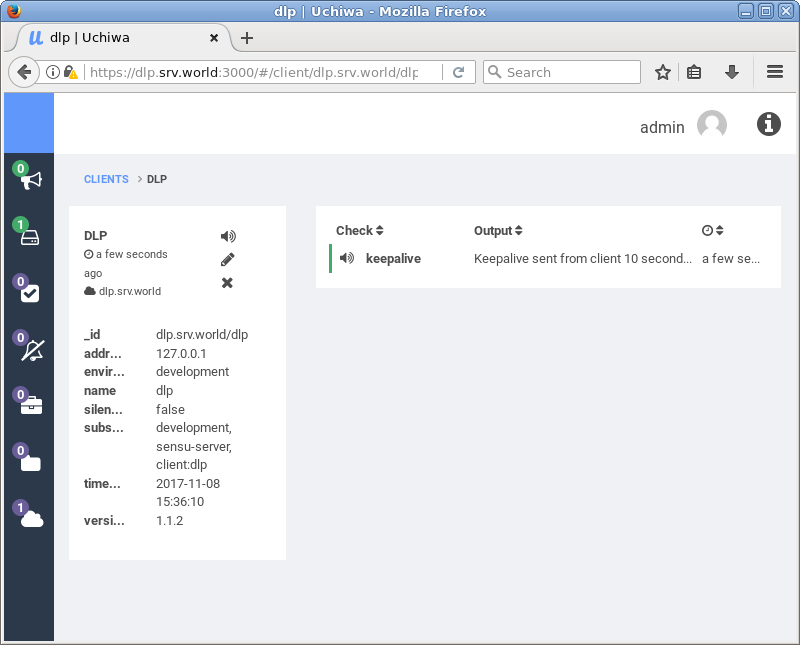
| [7] | After authentication normally, Uchiwa Dashboard is show. |
|
|